
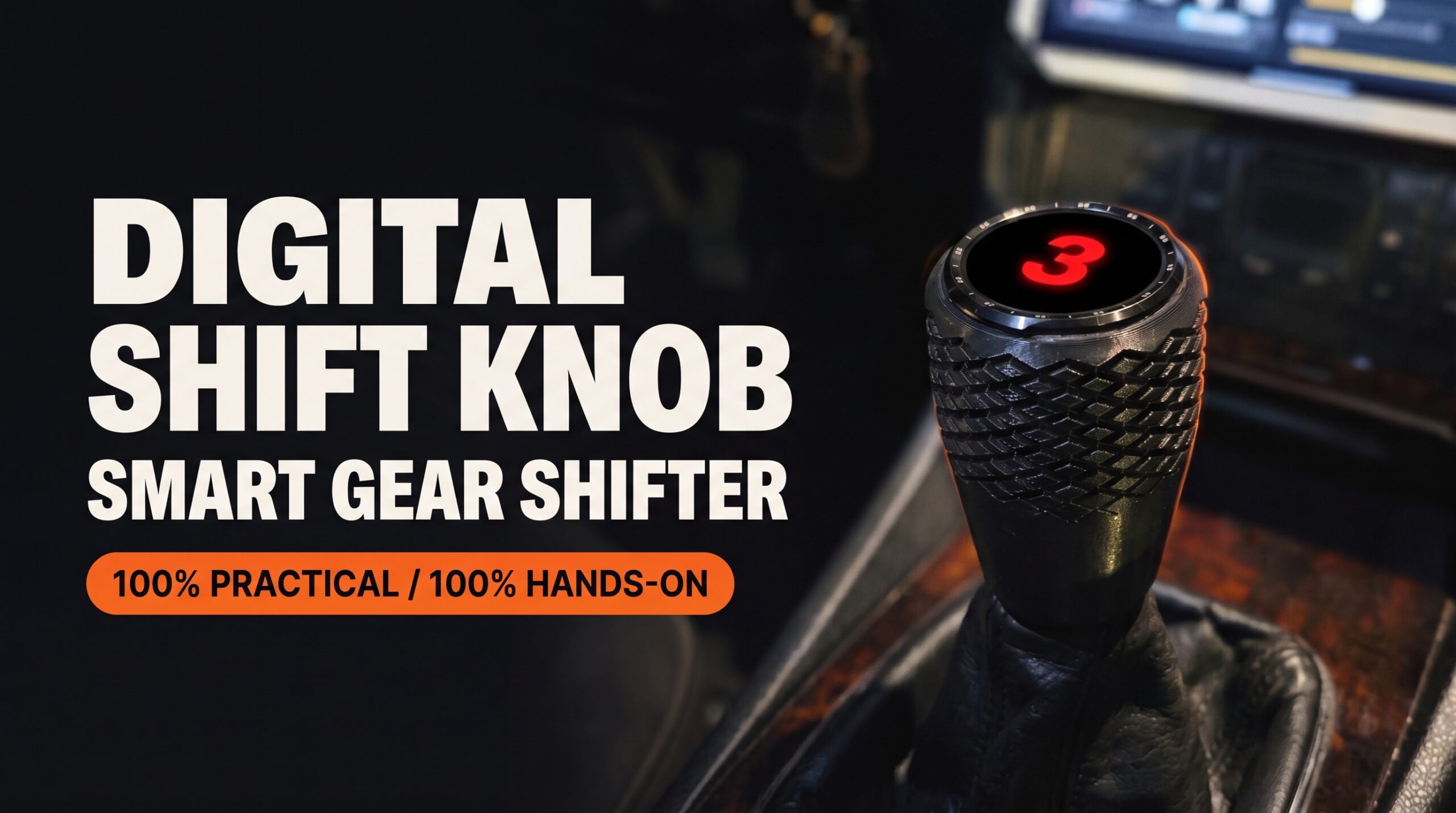
Back in May, I wrote here on the blog about how I put a smartwatch on the gear stick of my Audi A4 B5. At the time, the video had just passed 5 million views and everything was new to me: press from other countries, comments in languages I couldn’t even read, people asking for the knob for their own cars. Five months later, the project has passed 25 million views, and the knob in my car today is a different one. Tougher, better looking and designed so that anyone can build it. This post is about it: the new Digital Shift Knob.
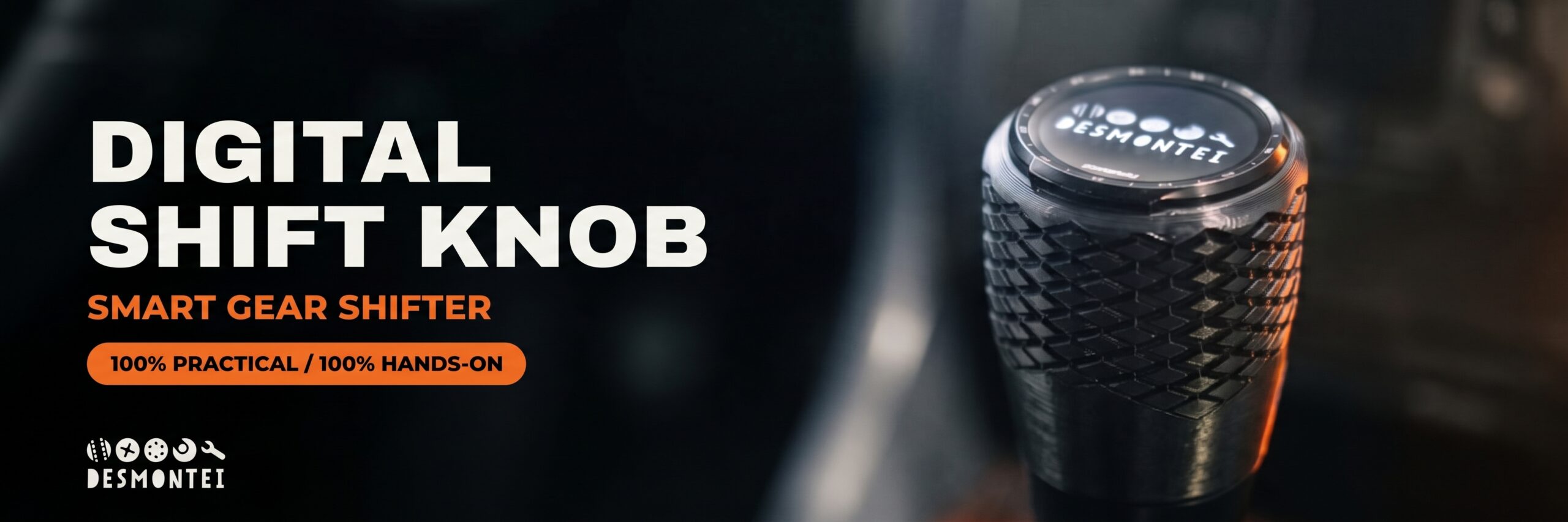
The 30-second recap
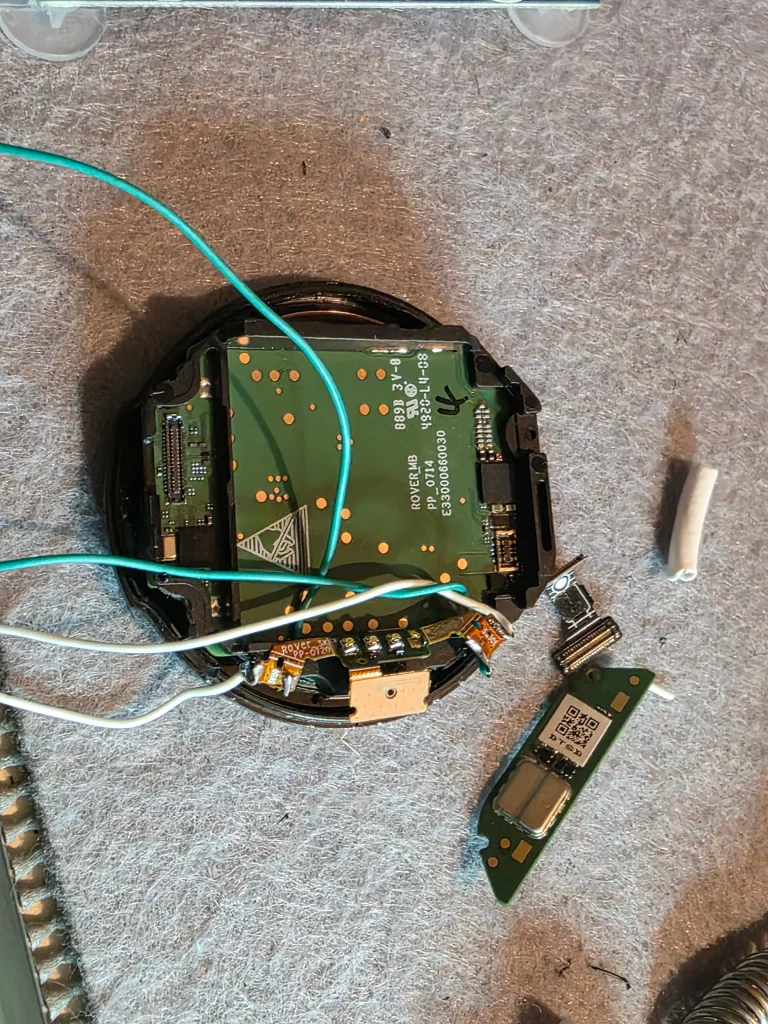
For anyone just arriving: it all started with a TicWatch Pro 3 with a dead battery. Instead of throwing it away, I opened the watch, kept the board and the screen, removed the battery and started powering everything straight from the car’s 12V. I wrote my own Wear OS app, GearDetector, which uses the watch’s accelerometer to figure out which gear you’re in from the position of the lever. No wires on the clutch, no sensors on the gearbox. I 3D printed a housing, installed it in the Audi and posted the video. The internet did the rest.
If you want the technical details of the first version, like the filter that stops a hard brake or a steep hill from changing the gear on screen, it’s all in the first post. This one is about what came next.
From 5 million to over 25 million
When I wrote the first post, I thought that was the peak. It wasn’t. The videos kept spreading, new ones went viral again and, adding up TikTok, Instagram and YouTube, the project has passed 25 million views. Today there are more than 200 people on the VIP list waiting for the next step.
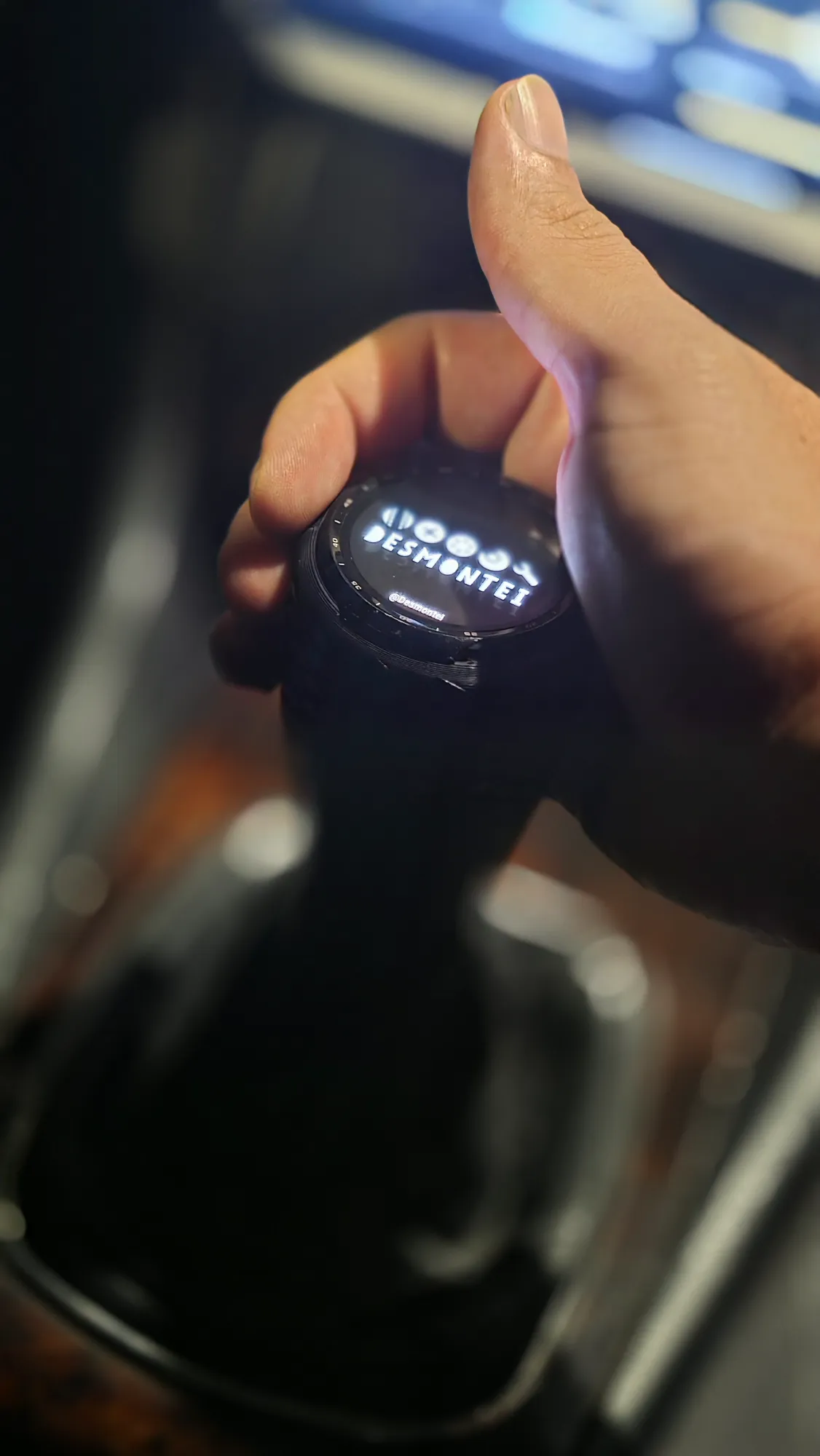
@desmontei Heading home. Of all the brands this knob has worn, this is the original: Audi. The garage hack that traveled the world started here, and here it stays. #desmontei #audi #manopladigital #cartech
The difference between May and now isn’t just the numbers. In May, people commented “what a brilliant idea”. Now, the most common comment is a different one: “where can I buy it?”. Curiosity turned into wanting one. And that’s what made me stop, look at the prototype and think: if other people are going to have their own, this knob has to evolve.
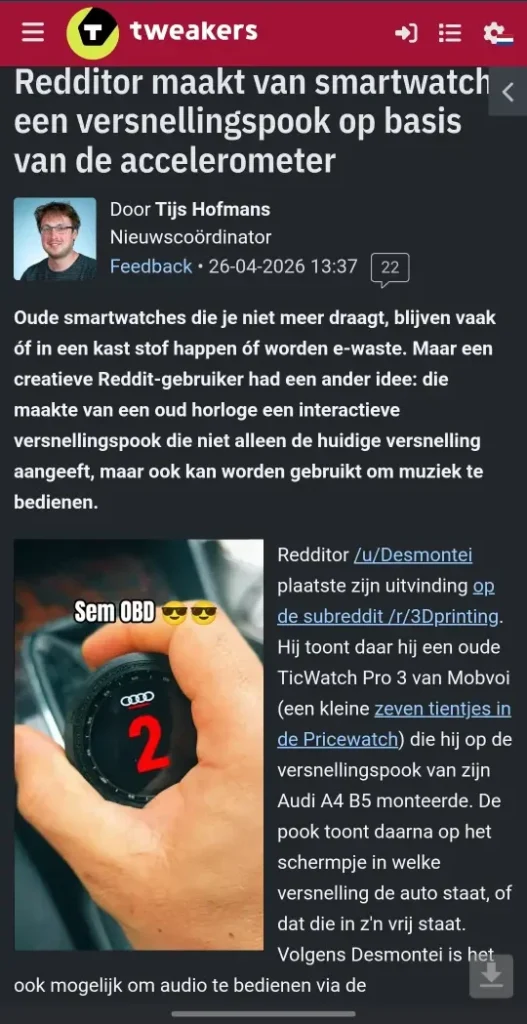
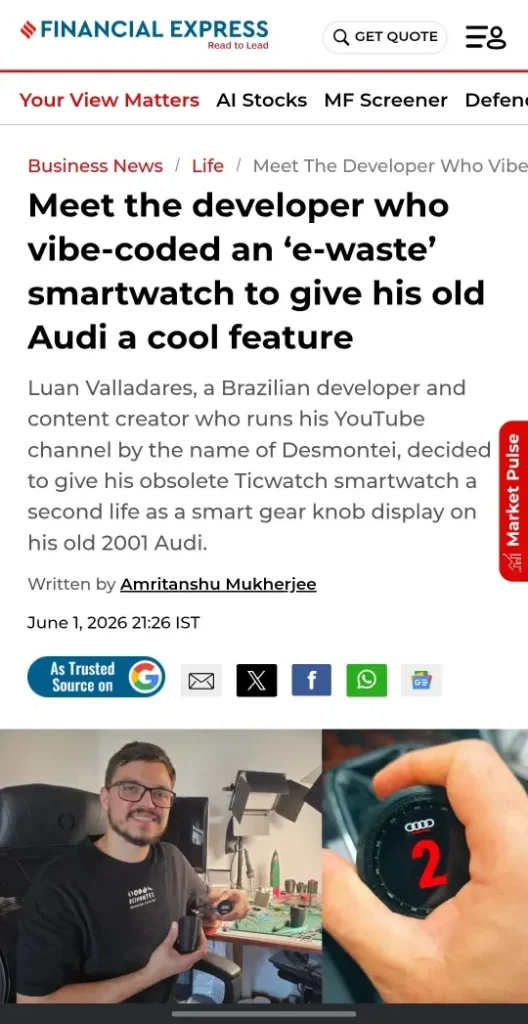
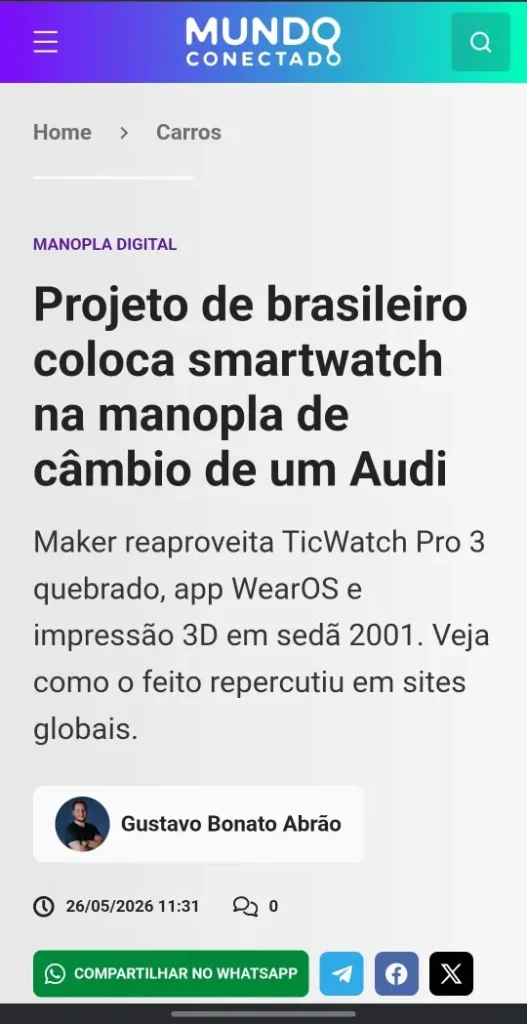
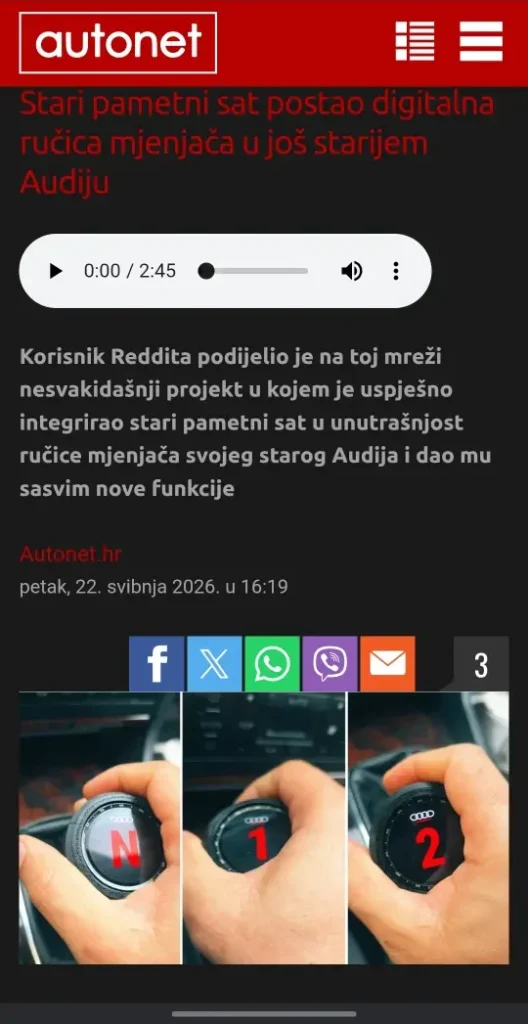
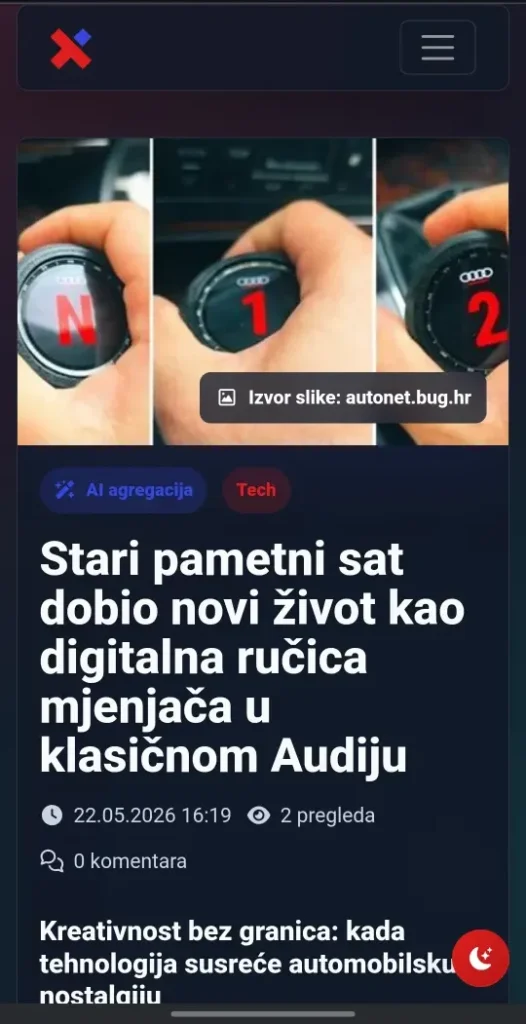
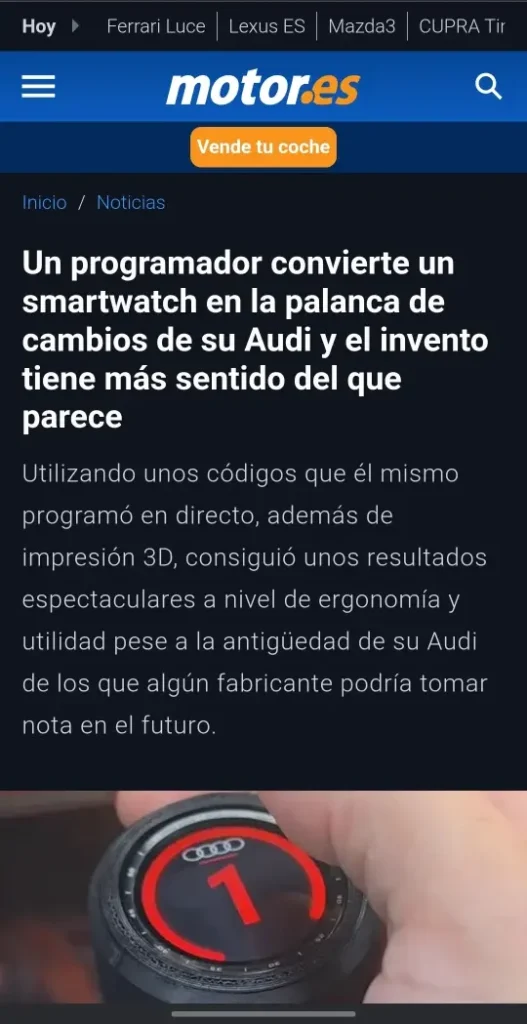
The press kept coming too. Besides the outlets I listed in the first post, like Tom’s Hardware, Android Authority and Tweakers, the project showed up in new publications, including a profile in India’s Financial Express telling the story behind the knob.
The new knob: what changed
The May prototype worked, but it was a prototype: built to prove the idea, in my car, under my conditions. The new knob was born from a different question: how do you make this work in someone else’s car, every day, for a long time?
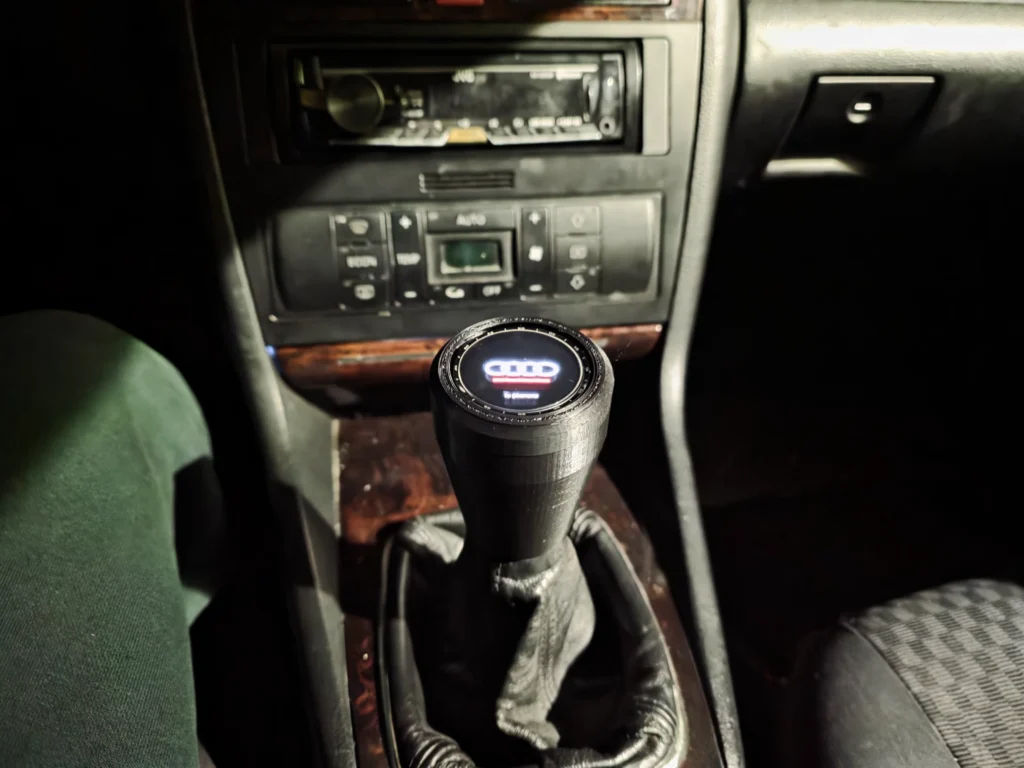
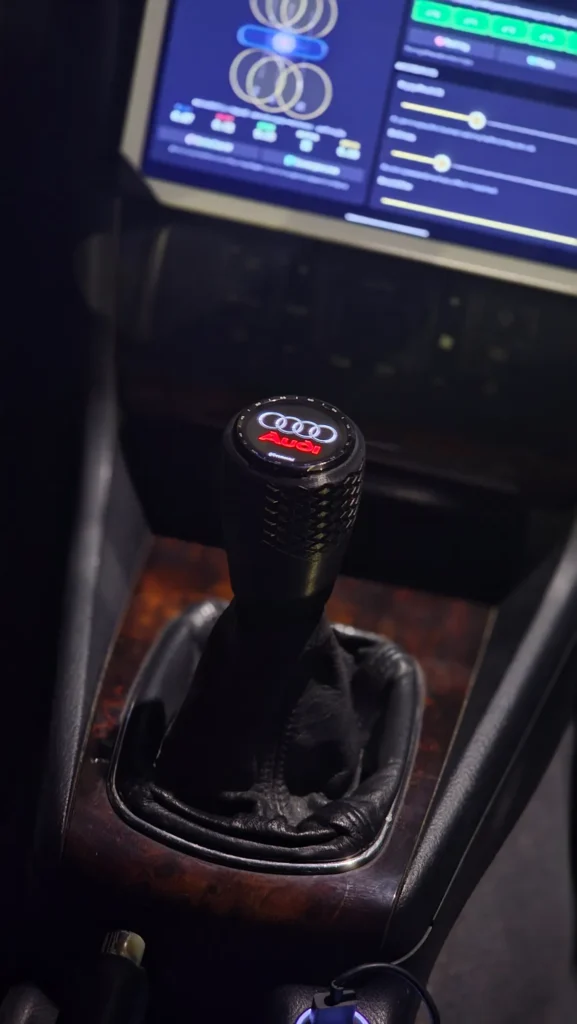
| Prototype (May) | New knob (now) | |
|---|---|---|
| Material | PLA | ABS, heat resistant for car interiors |
| Mounting | The Audi’s original lever thread | Tapered adapter for shafts from 12 mm |
| Wiring | Some connections just plugged in | Soldered, vibration proof |
| Look | A single screen | Custom themes |
| App install | Developer process | From your phone, with one button |
| In-car integration | Phone in the middle | Watch talking directly to the dash tablet |
Goodbye PLA: an ABS housing
The prototype was printed in PLA because it was the fastest way to test the fit. But a car parked in the sun turns into an oven, and PLA inside a car is asking for the part to warp on the first hot summer day. Here in the Algarve, in the south of Portugal, that’s not theory. The new knob is printed in ABS, which handles heat much better. The housing was also redesigned from scratch, with a cleaner look and a product finish, not a prototype one.
One adapter for many cars
In the first post I talked about universal thread adapters as a plan. It made it off the drawing board, and in a simpler way than I expected. Instead of a different part for each thread, the new knob uses an adapter with a tapered bore that cuts its own thread as you install it on the gear shaft. A single adapter fits shafts from 12 mm in diameter. That was the change that turned “Luan’s knob” into “a knob that can go into other cars”.
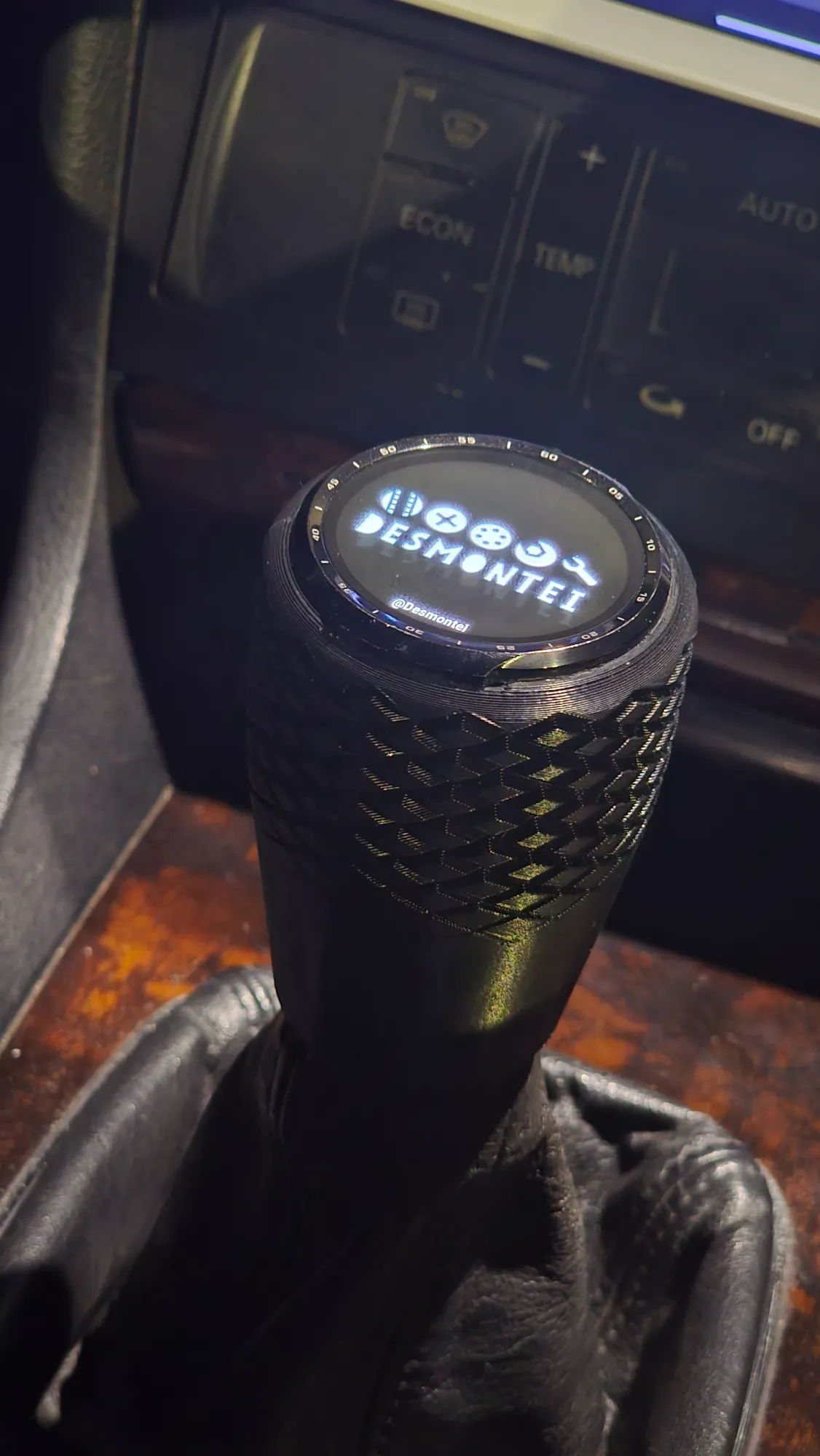
Themes: the knob changes outfits
If you follow the recent videos, you’ve noticed: the knob now changes its look. The app lets you create custom themes, with different logos, colors and styles. I’ve had requests for every brand you can imagine in the comments, and it’s a lot of fun to see the same knob take on completely different personalities. But, between us, of all the outfits it has worn, the one that suits this car best is still the original: Audi.
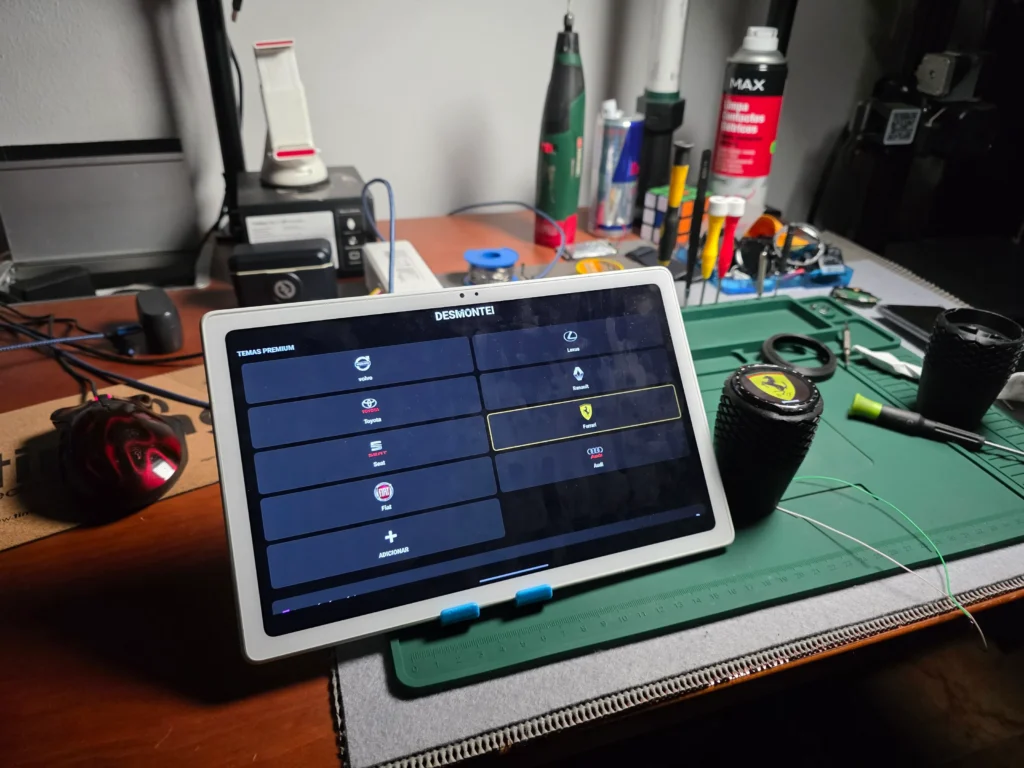
The hidden control is still there
The feature that surprised people most in the first version is still going strong: touch media control. Swipe one way, next track. Swipe the other, previous track. Hold, pause. All without taking your hand off the gear stick, and with a safeguard that ignores touches during gear changes, so you don’t skip a song by accident in the middle of a downshift.
Telemetry right on the dash
In my car, the knob got a companion: a tablet mounted on the dashboard. At first, the phone sat in the middle, bridging the watch and the rest of the system. Now the watch talks directly to the tablet, no middleman. Fewer parts, less lag, fewer things to go wrong. The tablet runs a launcher I built myself, with a telemetry screen that shows the knob’s data in real time.
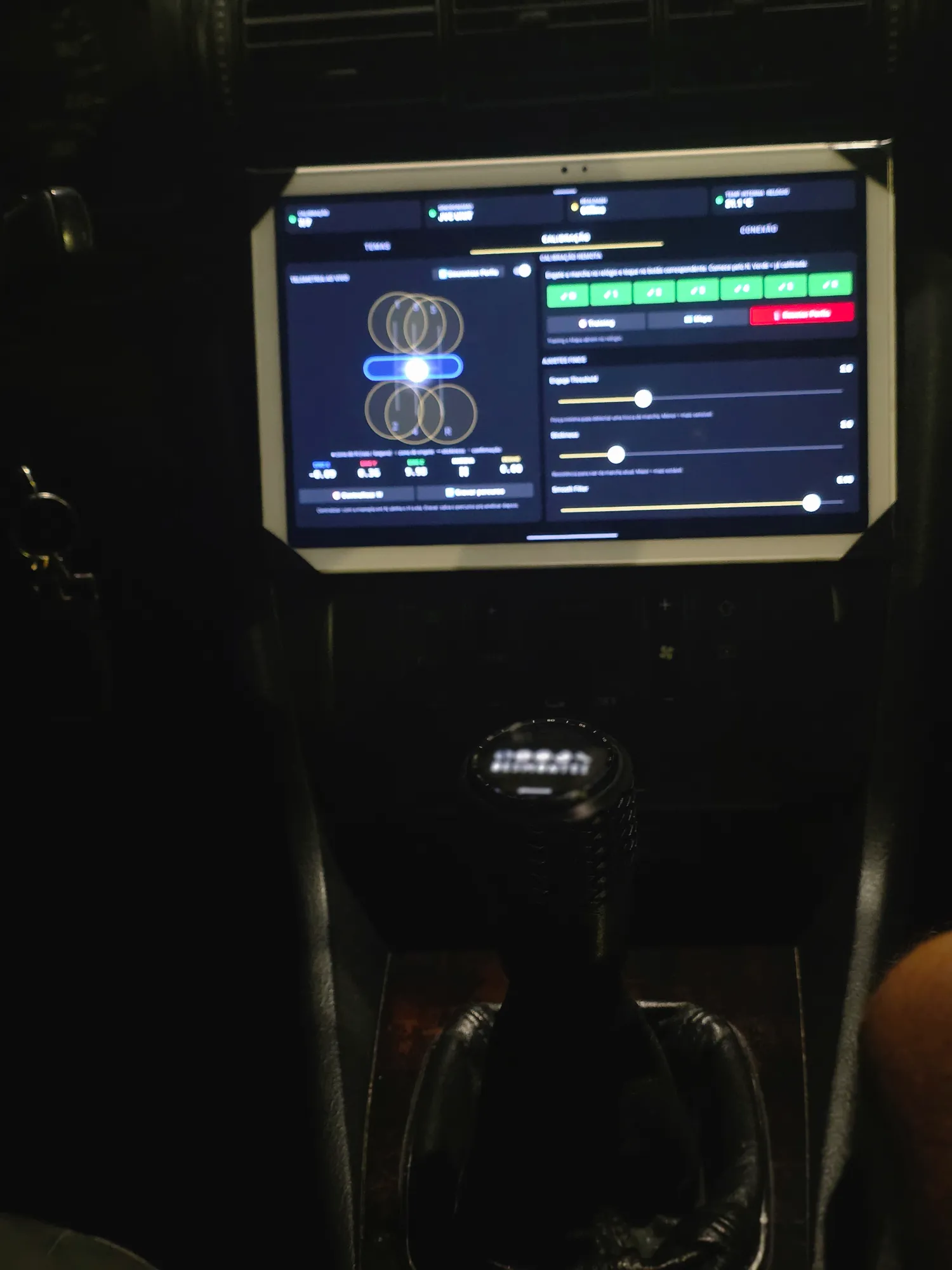
One important detail: the tablet is an extra in my car. The knob works on its own, showing the gear on its own screen. The dash integration is the cherry on top for anyone who wants to go further.
What I only learned by using it every day
It would be easy to show only the pretty side, but Desmontei has never been about that. During one install in the car, a power wire that was just plugged into the board came loose. The knob simply went dark.
The fix was to solder the connection for good, and the lesson stuck: inside a car, everything vibrates. What feels solid on the bench can come loose on the first speed bump. Heat, vibration, the jolt of every gear change, real daily use. Things no bench test shows you, that only show up after months with the knob in the car. Each one of them became a fix in the new version.
What about the ESP32 V2?
If you read the first post, you’ll remember I talked about a V2 with dedicated hardware. It’s still in the plans. But with so many people wanting a knob right now, I made a decision: before starting from scratch with new hardware, it made more sense to take what already works to product level. That became the new knob, and that’s what opened the door to the next step.
“Where can I buy it?” The answer
If I had a euro for every “where can I buy it?”, “how do I get one?” and “take my money” in the comments, the factory would already be built. And the honest answer is: right now the knob isn’t sold ready-made. It’s built.
The new knob was designed exactly for that: parts any printing service can make, an adapter that fits many cars, connections that don’t come loose and an app you install from your phone. With this model ready, I turned the whole process into a complete course, so you can build your own, from zero to working in your car.
The course: Digital Shift Knob, the hidden control of your gear stick
The course is the full path I took to get to the new knob, just organized, without the mistakes and without the sleepless nights. You follow every step: from choosing the right watch to the final calibration with the car moving, including the hidden control for touch media playback.
Before anything else, an important note for international readers: the course is recorded in Brazilian Portuguese, with English, Spanish and Romanian subtitles. Every lesson is very hands-on, so you’ll be watching me do it more than listening to me talk, and the subtitles cover everything I say.
Lessons are short and to the point: none is longer than 10 minutes. You watch, you do it, you move on. Here’s the structure:
- Welcome and materials: what you’ll need and how to get organized before you start.
- The right watch: which model to use and what to look for when buying a used one.
- TicWatch teardown: how to open the watch safely, without destroying anything.
- 3D printing: the new knob’s files, material, settings and how to use a printing service if you don’t own a printer.
- Power and soldering: how to power the watch and make connections that won’t shake loose in the car.
- GearDetector software: installing the app on the watch straight from your phone, no hassle.
- Physical assembly: putting it all together and installing it in the car, including the power connection.
- In-car calibration: teaching the knob to recognize every gear in your gearbox.
- Bonus and troubleshooting: the most common problems and how to fix each one.
You won’t be building alone
Everyone who joins the course gets access to the Discord community, with a dedicated space for students to ask questions and show off the knobs they’ve built. Seeing your knobs running in different cars, all over the world, is one of the things I want to see happen most.
Founding class only
The first class will have limited spots and a few things future classes won’t get. The main one: the new knob’s editable files (Fusion 360, STEP and 3MF), for anyone who wants to modify the design, adapt it to another car or create their own version. On top of that, founders get the Founder role in the community, forever.
Who it’s for (and who it isn’t)
The course is for people who like getting their hands dirty: car enthusiasts, makers, anyone who already tinkers with electronics or always wanted to start and needed a project worth the effort. You don’t need to be an engineer or a programmer. You need will, patience and to follow the lessons calmly.
Now, if you want to open a box and install it in five minutes, this course isn’t for you. And that’s fine, because I’m thinking about you too.
Why this course exists
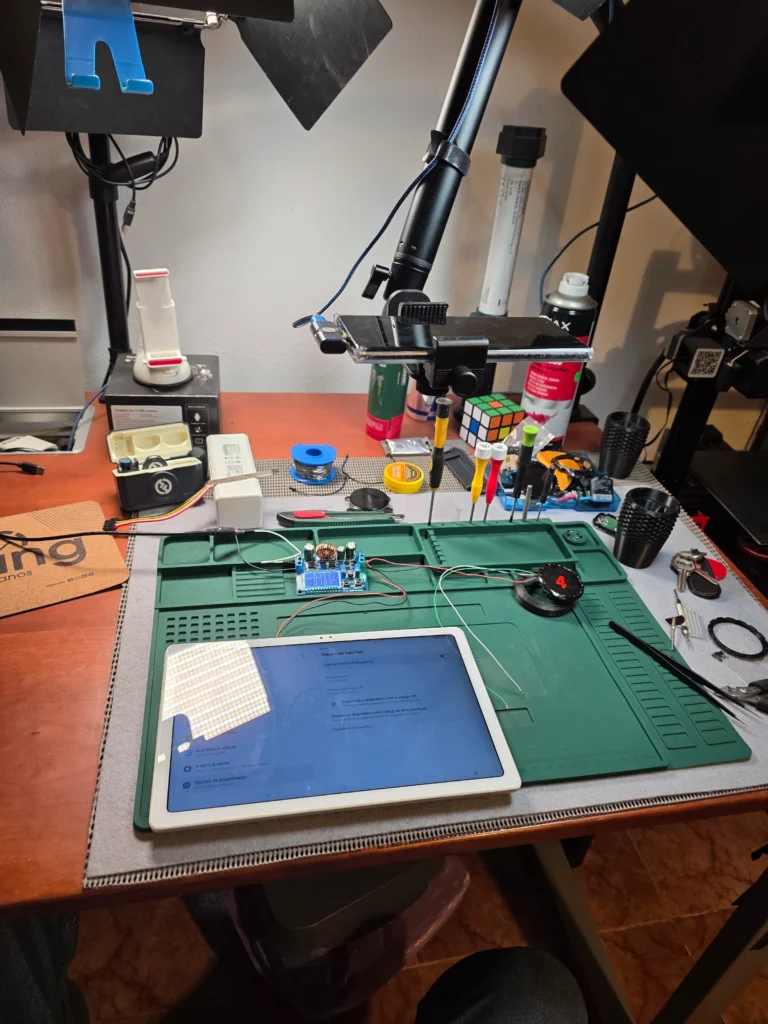
I’ll be honest with you. This project was born in my garage, with a watch headed for the trash and a 2001 Audi. There’s no big company behind it, no investors, no factory. There’s me, a workbench and a lot of will to make this work.
The dream is to one day turn the Digital Shift Knob into a small factory, with a ready-made version for people who don’t want to build their own. And the course is the first step on that road. Every student in the founding class helps make that possible.
That’s why the people who believed first will be remembered: founders will get priority when the ready-made version comes out. It’s not a promise of a date, it’s a commitment to the people who were here from the start.
Frequently asked questions
Is the course in English?
The course is recorded in Brazilian Portuguese, with English, Spanish and Romanian subtitles.
Where can I buy the digital shift knob ready-made?
Right now the knob isn’t sold ready-made. The way to get yours is the course, where I teach you to build the new knob from scratch. A ready-made version is in the plans, and founding class members will get priority when it comes out.
Will it work in my car?
The knob was designed for cars with a manual transmission. The tapered adapter cuts its own thread on the lever and fits shafts from 12 mm in diameter, which covers a wide range of cars. In the course I show you how to check yours before you start.
Does it work with my car’s infotainment system?
Honestly? I’ve never tried pairing the watch directly with a head unit, so I can’t promise anything. In my car, the dash integration worked with an Android tablet. And remember: the knob works on its own, showing the gear on its own screen, with no head unit or tablet needed.
Do I need a 3D printer?
No. The simplest route is to order the print from a 3D printing service, and the course shows you how. If you already have a printer, it needs to be enclosed to print ABS, which is the right material for the heat inside a car. PLA, never.
Which watch do I need?
The project was developed with the TicWatch Pro 3. There’s a whole module of the course just on that, including what to look for when buying a used one. And a watch with a bad battery isn’t a problem: in the knob, the battery isn’t used at all.
Do I need to know how to code?
No. The GearDetector app comes ready, and you install it on the watch straight from your phone, following the lesson step by step.
Do I need to know how to solder?
There is soldering, but it’s simple, and I show everything in detail. If you’ve never soldered in your life, this is a great first project to learn on.
What about the files you mentioned in the first post?
They’re now part of the course, and already in the new knob’s version, which is far better than the prototype’s. The print files come in the 3D Printing module, and the founding class also gets the editable files.
When does the course open and how much does it cost?
The launch is coming soon, and the founding class terms go first to people on the VIP list. Join now and you’ll get the invite before everyone else.
Join the founding class VIP list
More than 200 people are already on the list waiting for the launch. Spots in the first class are limited, and list members get the invite and the exclusive founder terms before it opens to the public. Leave your email below and confirm your subscription in your inbox (check your spam folder too).
In May, I finished the first post without really knowing what was happening. Now I know: you turned a garage project into something much bigger than I ever imagined. Thank you to everyone who watched, commented, shared, and even to those who doubted. Now it’s time for the next chapter, and I want you in it.
See you at the workbench. 🔧